Access 201: Zero Trust - Identity Aware Proxy > Class - Access 201: Zero Trust - Identity Aware Proxy > Module 2 - Onboard a Second Application Source |
Lab 2.1 - Access Guided Configuration
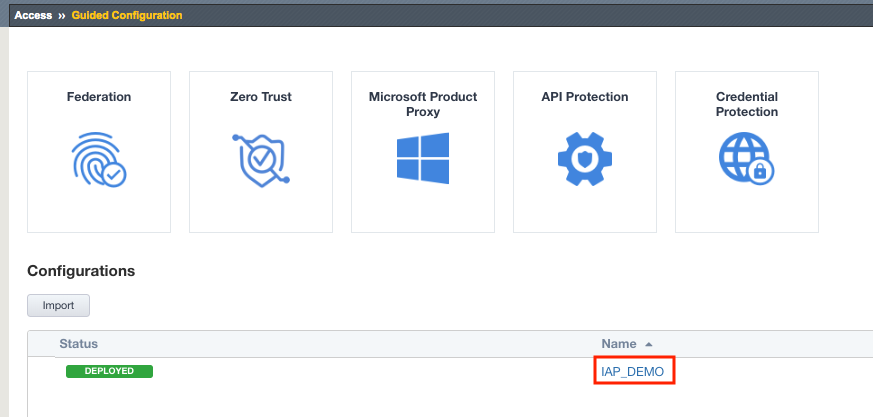
To onboard a new application to the IAP, you will first access the Guided Configuration menu.
Task - Access the Zero Trust IAP guided configuration
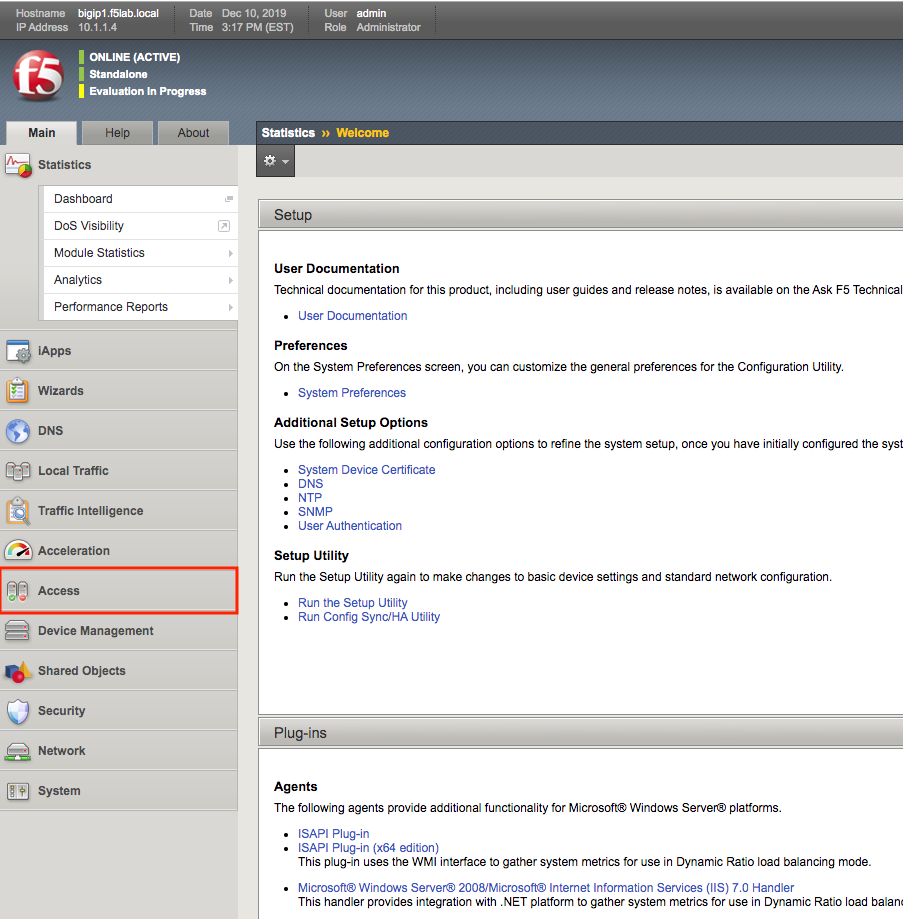
- From the web browser, click on the Access tab located on the left side.
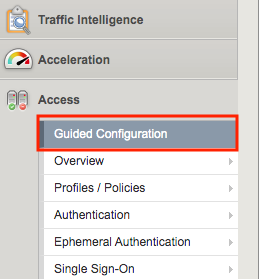
- Click Guided Configuration
- Click IAP_DEMO