
Access 201: Zero Trust - Identity Aware Proxy > Class - Access 201: Zero Trust - Identity Aware Proxy > Module 1 - Create an Identity Aware Proxy Source |
Lab 1.11 - Summary
The Summary page allows you to review the configuration that is about to be deployed. In the event a change is required anywhere in the configuration the pencil icon on the right side can be selected to quickly edit the appropriate section.
Task - Deploy the configuration
Click Deploy
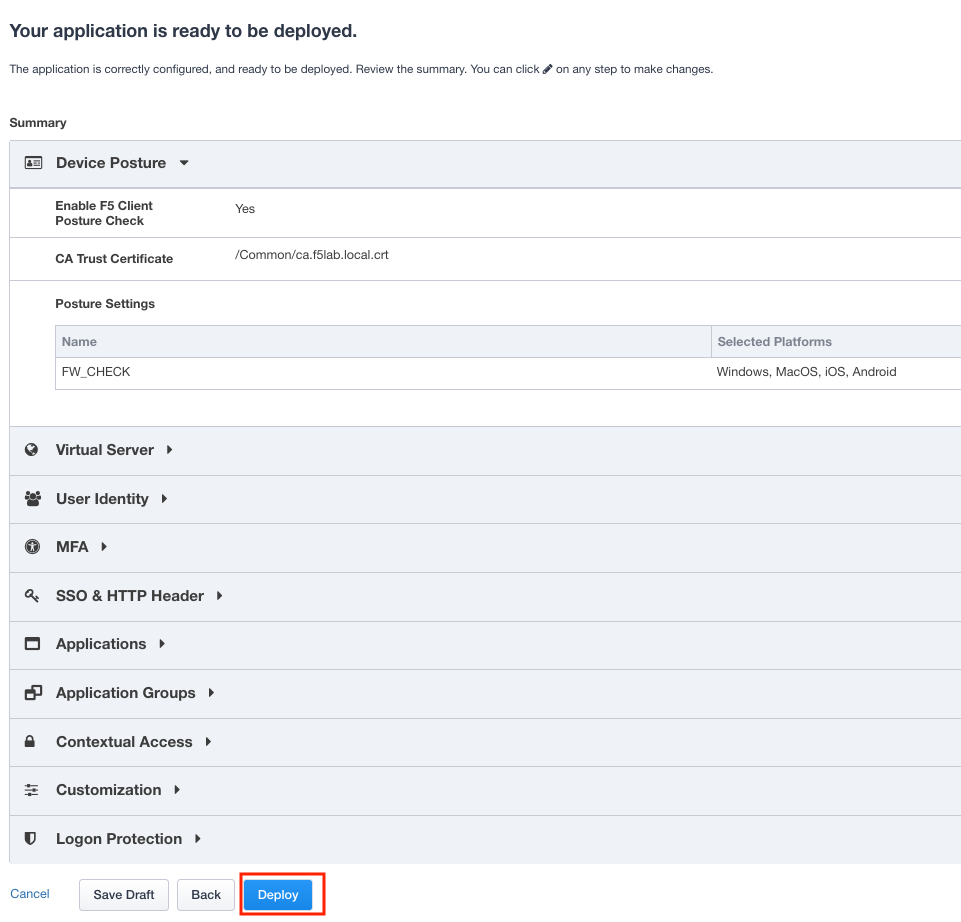
Once the deployment is complete, click Finish