Access 201: Zero Trust - Identity Aware Proxy > Class - Access 201: Zero Trust - Identity Aware Proxy > Module 1 - Create an Identity Aware Proxy Source |
Lab 1.12 - Testing
In this section you will access the application basic-iap.acme.com and watch how the BIG-IP restricts access when a device fails it’s posture assessment.
Task - Access basic-iap.acme.com
Note
Posture Assessments in a Per-Request Policy use F5 Access Guard(running on clients) to perform posture assessments prior to accessing an application. This improves the user experience since posture checks do not introduce any delay when accessing the application. This also improves security by allowing posture assessments to occur continuously throughout the life of the session.
From the jumpbox, browse to https://basic-iap.acme.com
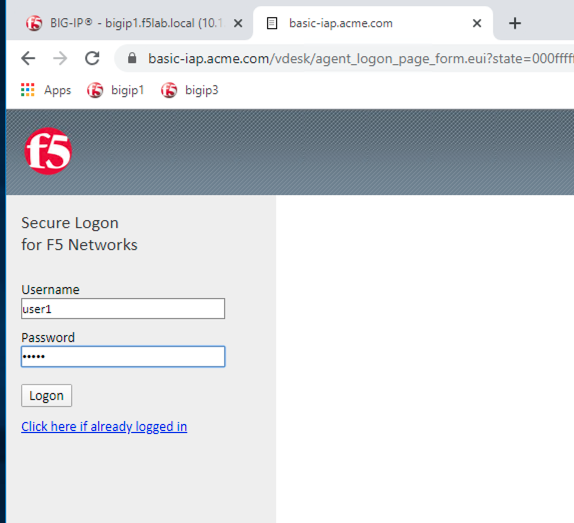
At the logon page enter the Username:user1 and Password:user1
Click Logon
The RADIUS logon page, prepopulates the username:user1. Enter the PIN: 123456
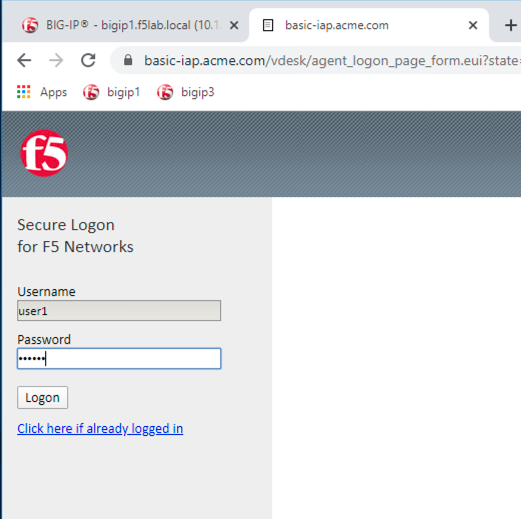
The SSO profile passes the username and password to the website for logon.
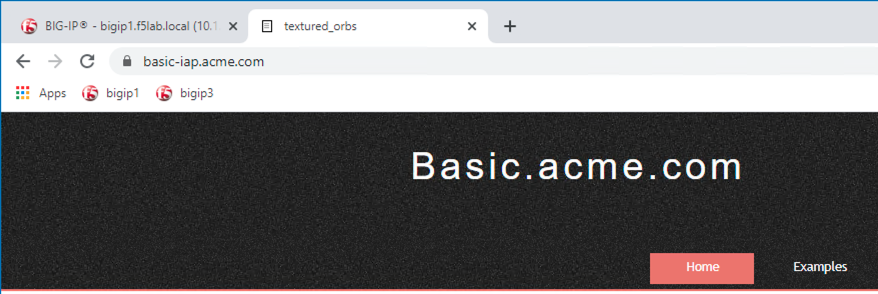
Close the browser Window to ensure there is not cached data
Task - Disable Windows Firewall
Right click the computer icon in the taskbar and open Network and Sharing Center
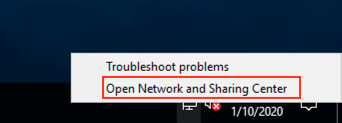
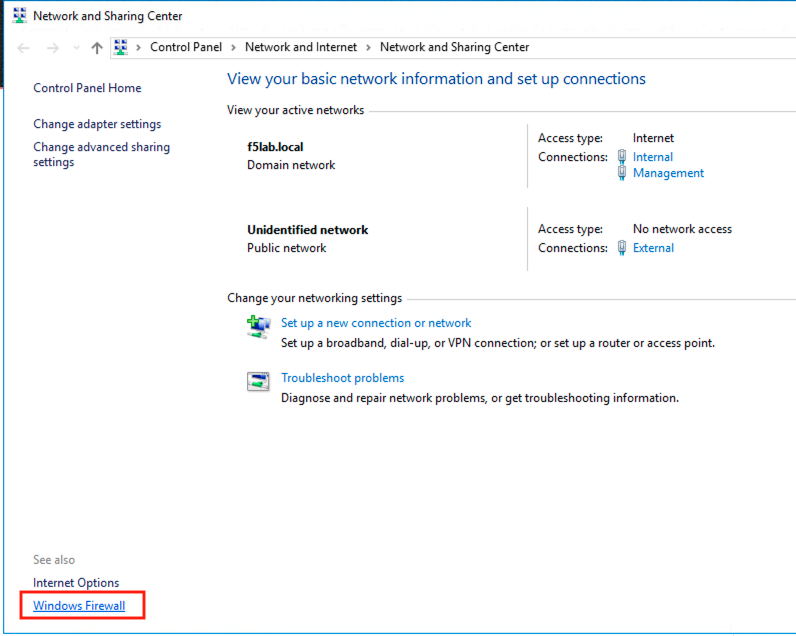
Click Windows Firewall
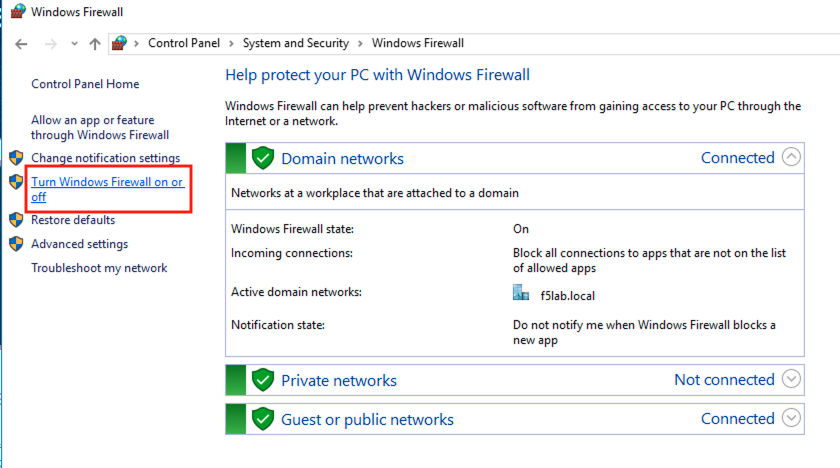
Click Turn Windows Firewall on or off
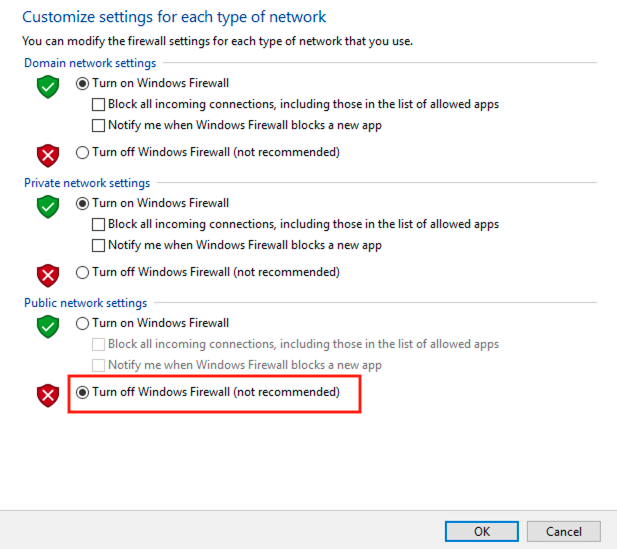
Click the radio button Turn off Windows Firewall under Public Network Settings
Click Ok
Task - See Deny Page basic-iap.acme.com
From the jumpbox, browse to https://basic-iap.acme.com
You will receive a deny page from the the IAP stating that you have failed the network firewall check
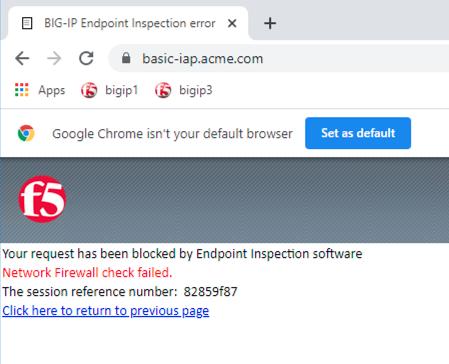
Close the browser Window to ensure there is no cached data
Task - Enable Windows Firewall
Right click the computer icon in the taskbar and open Network and Sharing Center
Click Windows Firewall
Click Turn Windows Firewall on or off
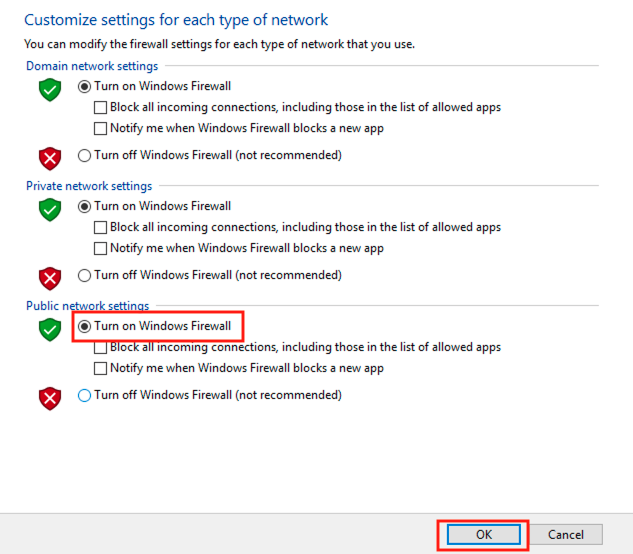
Click the radio button Turn on Windows Firewall under Public Network Settings
Click Ok