Access 201: Zero Trust - Identity Aware Proxy > Class - Access 201: Zero Trust - Identity Aware Proxy > Module 2 - Onboard a Second Application Source |
Lab 2.3 - SSO & HTTP Header
In this section, you will create a custom header value to pass to the web server.
Task - Create Custom Header
Click SSO & HTTP Header from the Ribbon.

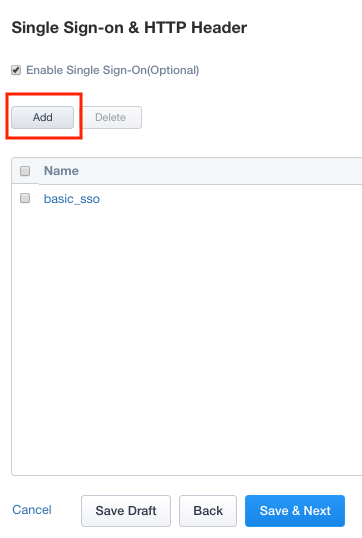
Click Add to create a new header object.
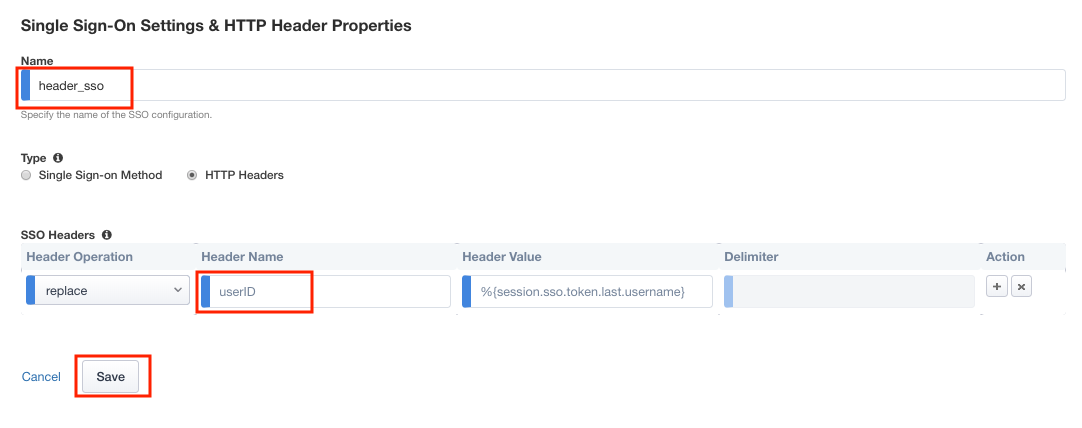
Enter Name header_sso
Change radio button for Type to HTTP Headers
In the SSO Headers section, enter userID in the Header Name Field
Click Save
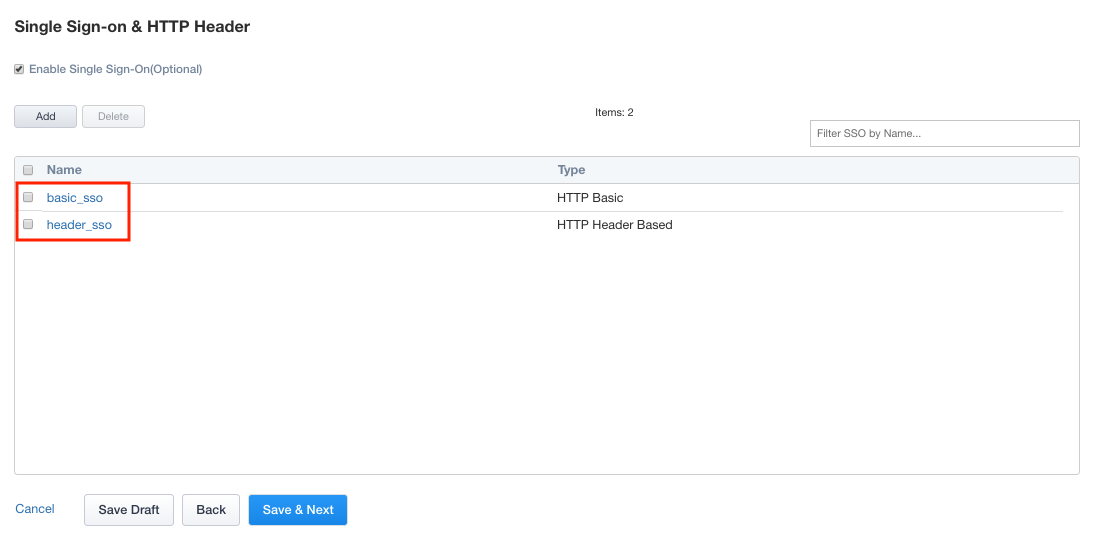
Verify the header_sso object was created