Access 201: Zero Trust - Identity Aware Proxy > Class - Access 201: Zero Trust - Identity Aware Proxy > Module 3 - HTTP Connector Source |
Lab 3.3 - Testing
In this section you will test how HTTP connector can influence policy changes dynamically as conditions change in the network .
Task - Access basic-iap.acme.com
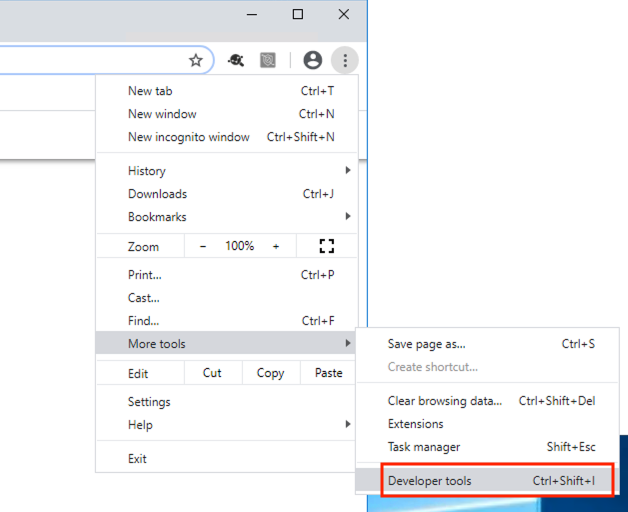
From the jump box open Chrome and open Developer Tools
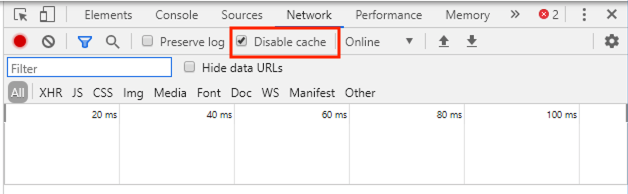
Ensure Disable Cache is checked
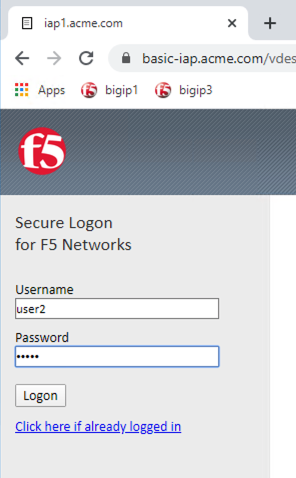
Access the site https://basic-iap.acme.com
Login with the Username: user2 and Password: user2
Enter the PIN 123456 for RADIUS authentication
You will be presented the website
From a separate browser tab access the BIG-IP management interface https://10.1.1.4
Navigate to Access >> Overview >> Active Sessions
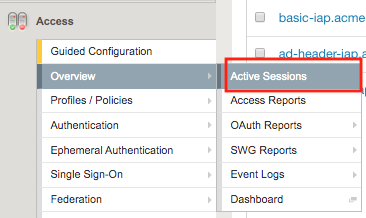
You will see an active session for user2.
Expand the session to see all the sub-sessions by clicking the + (Plus symbol) to the left of the session ID.
Note
Your session ID will not match the one displayed in the screenshot below.

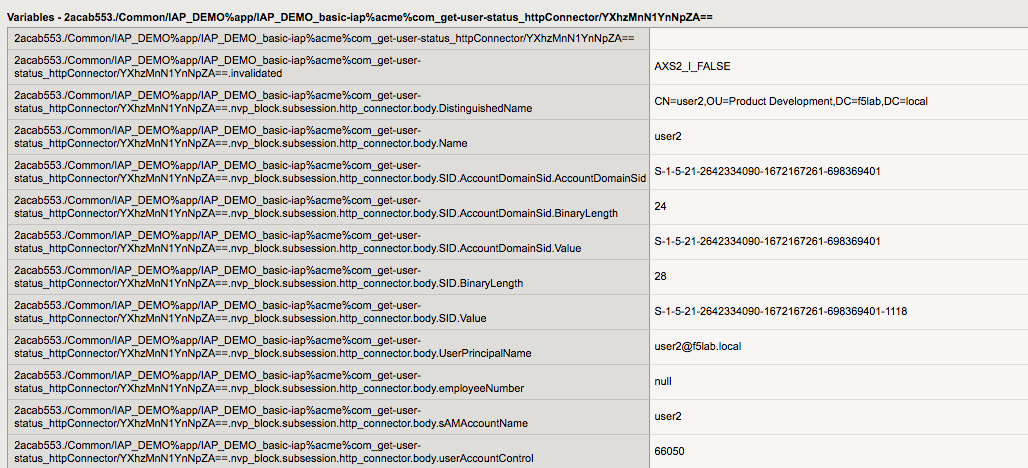
Click View to the right of the HTTP Connector request get-user-status to see the sub-session variables.
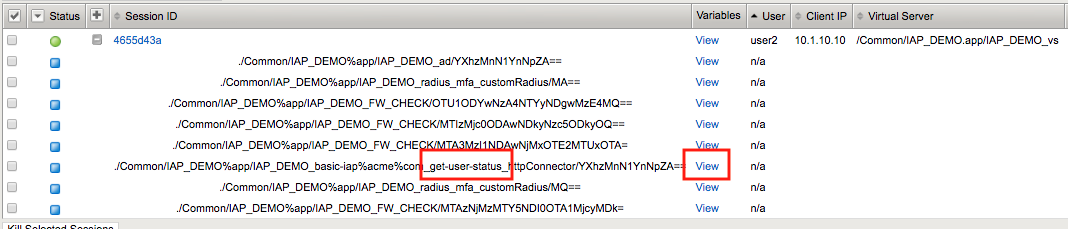
You will notice that HTTP Connector received multiple values back in the response and each JSON key was parsed to individual subsession variables.
userAccountControl is currently set to 66048. Which mean the account is enabled and the password never expires.
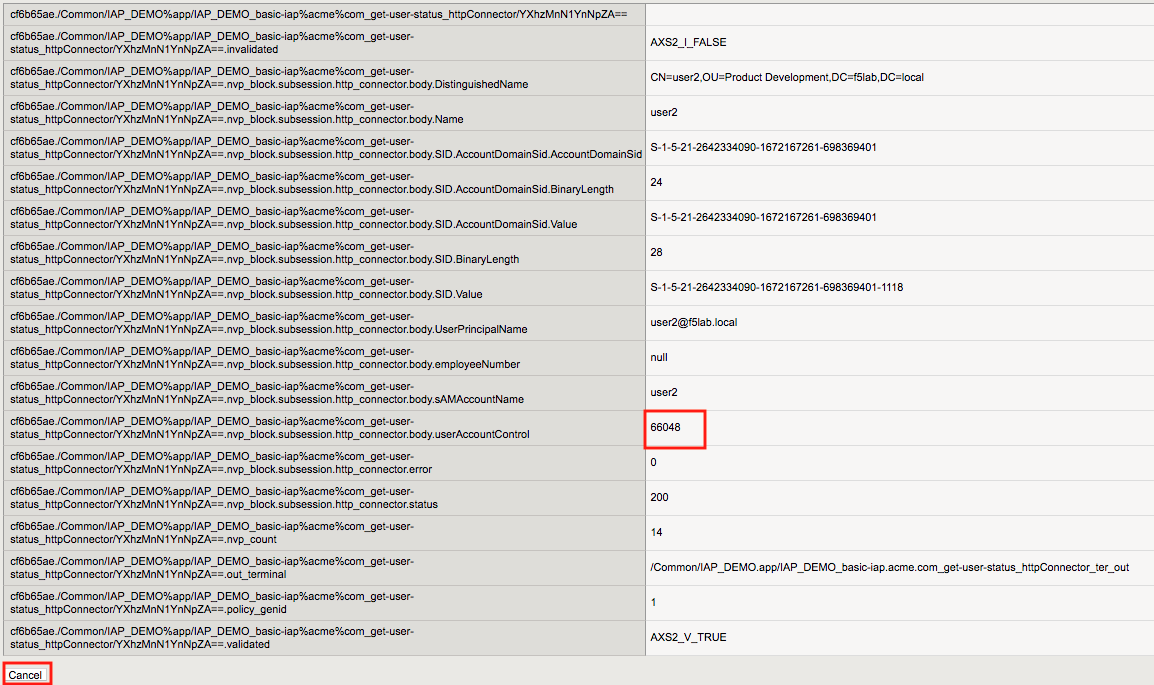
Click Cancel
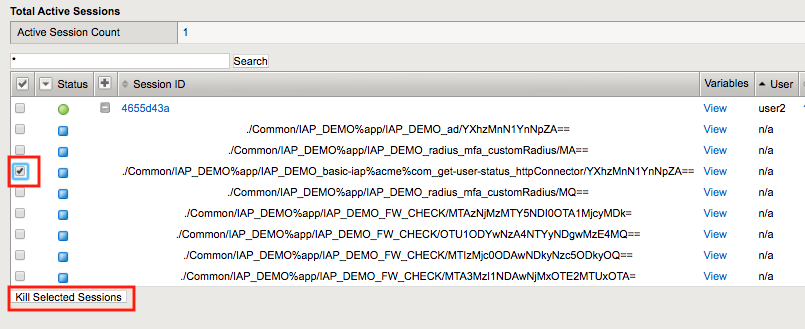
Expand the session to see all the sub-sessions by clicking the + (Plus Symbol) to the left of the session ID.
Note
You session ID will not match the one displayed in the screenshot below.
If the HTTP Connector sub-session still exists check off that specific sub-session only and click Kill Selected Sessions
Note
You are doing this to speed up the process and bypass the typical timers associated with HTTP Connector. This will enable you to see HTTP Connector trigger immediately on the next HTTP request sent from the jump box.
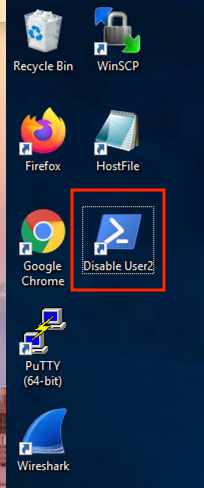
Locate Disable User 2 Powershell script shortcut located on the desktop.
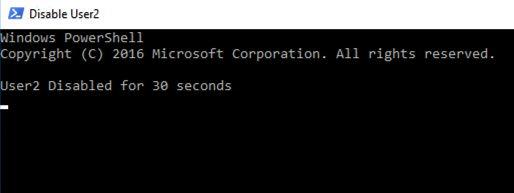
Click the Disable User 2 Powershell script. A Powershell window will appear disabling the User2 account is Disabled.
Return to your existing https://basic-iap.acme.com session.
Click on one of the links for the website. You will receive a Deny Page.
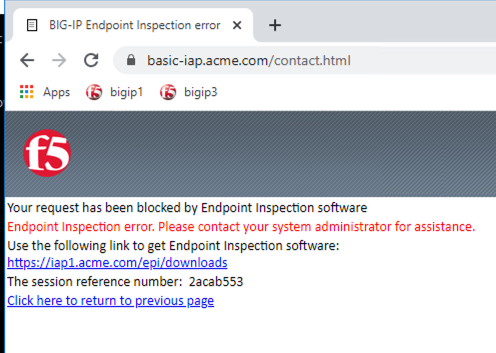
If you return to the sub-session variables screen in BIG-IP you will see UserAccountControl was 66050.