
Access 201: Zero Trust - Identity Aware Proxy > Class - Access 201: Zero Trust - Identity Aware Proxy > Module 4 - Explore AccessGuard Source |
Lab 4.3 - Device Certificate
When the configuration file is set to sign posture data, it uses the specified certificate/key pair in the machines local certifcate store.
Task - Explore the Device Certificate
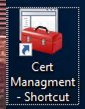
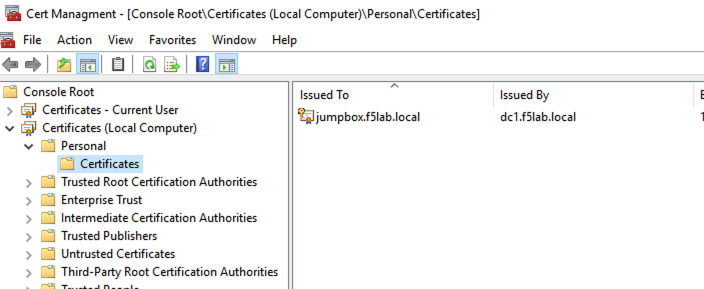
Open the jump box’s certificate store by clicking the Certificate Management shortcut located on the desktop
Double click the jumpbox.f5lab.local certificate
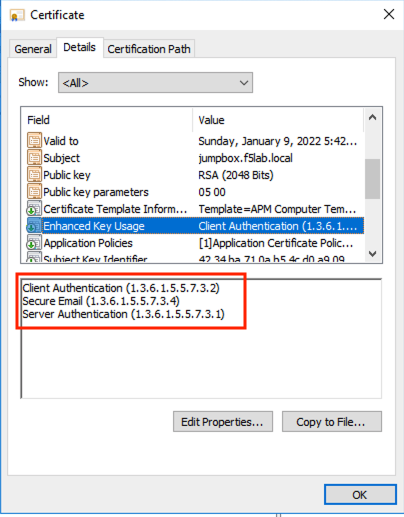
Click the Details tab and scroll to the Enhanced Key Usage section. The default usage types associated with a Microsoft CA template is Client Authentication and Server Authentication. The default template must be modified to include Secure Email.
Click OK and close the Certificate management window