Access 201: Zero Trust - Identity Aware Proxy > Class - Access 201: Zero Trust - Identity Aware Proxy > Module 4 - Explore AccessGuard Source |
Lab 4.4 - Browser Extension
The browser extension takes the posture data generated by the Access Guard service and converts it to a header.
Task - View the installed Extension
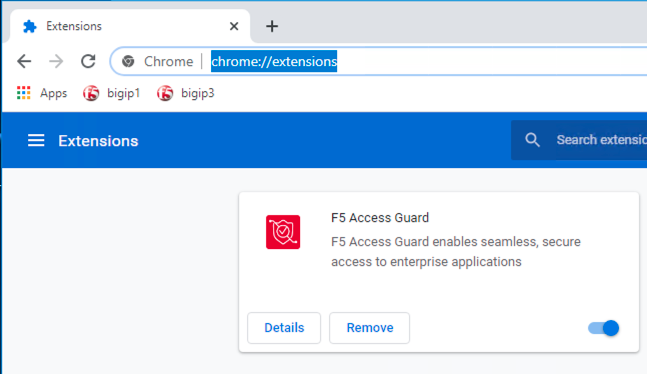
Open Chrome and enter chrome://extensions to see that the F5 Access Guard extension is installed. The extension is download and installed via a browsers extension store.
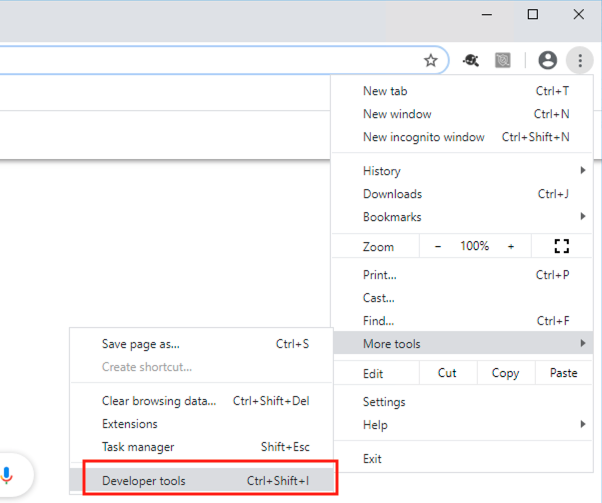
Open Developer Tools by navigating to settings >> More Tools >> Developer Tools.
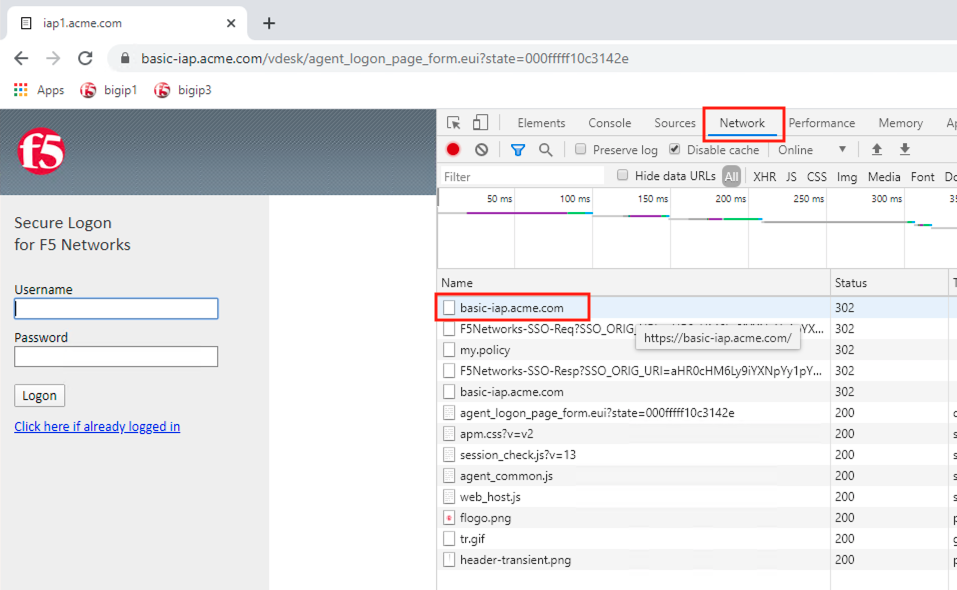
Access the website https://basic-iap.acme.com
Click on the request basic-iap.acme.com under the network tab.
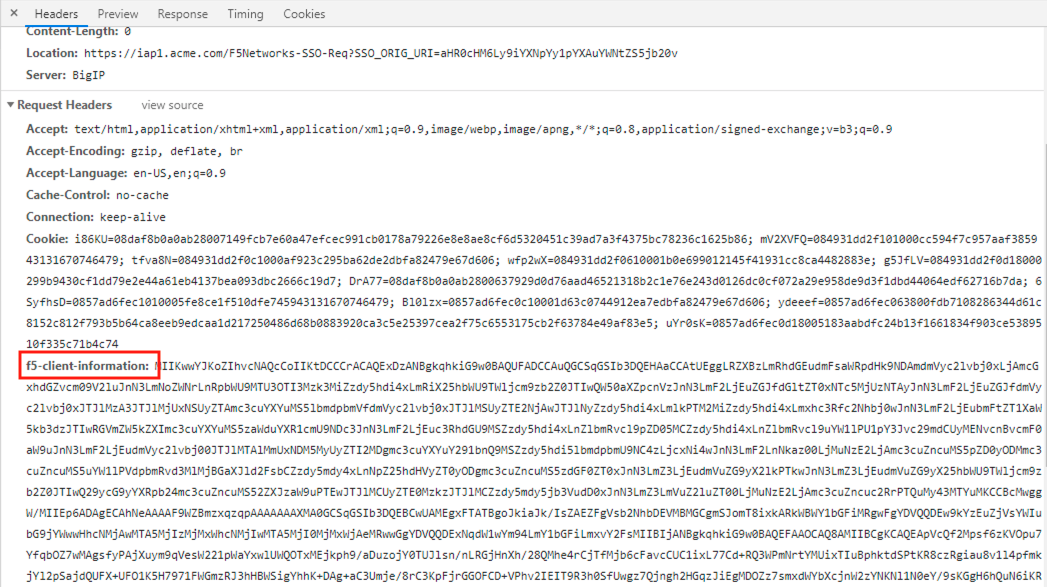
Under the Request Headers section of the request you will see an injected header called f5-client-information. This is the signed posture assessment data being sent to the BIG-IP on every request.